

Winter travel breaks your phone’s habits. Flights get cancelled the night before, a mountain valley has no signal, and the cold drains your battery at the exact moment you need a map. The best travel apps for winter travel aren’t the ones with the longest feature lists; they’re the ones that keep working when the weather turns. This guide picks seven, sticks to the features their own makers describe, and shows you the ten-minute setup to do at home so they’re ready when January isn’t.
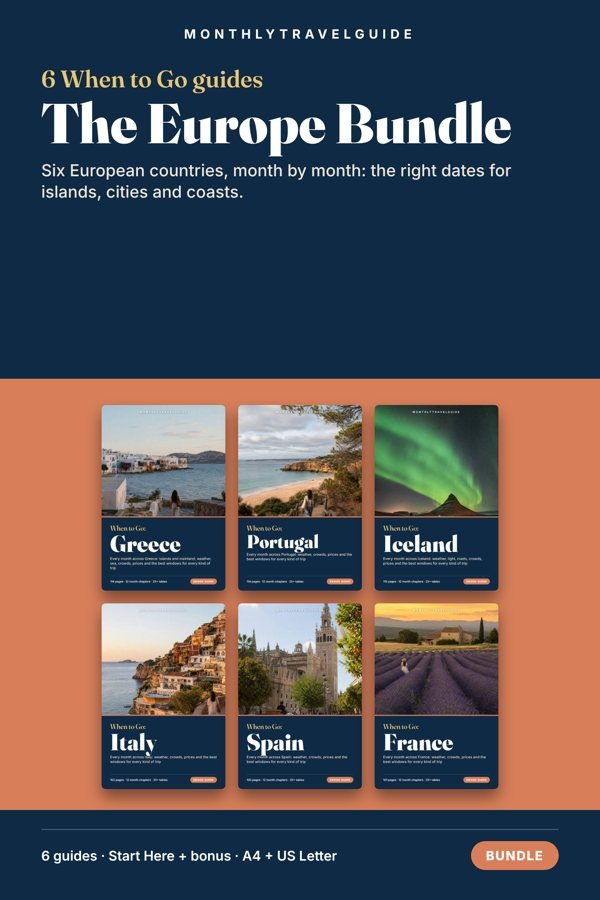
When to Go guides
Choose your country, then your month
24 country guides, each about 100 pages: every month rated for weather, crowds and prices, region by region, with a 7-day booking plan. Six guides per region bundle.
Browse the 24 guides · $19 eachRegion bundles: Europe, Asia & Pacific, Sun Souks & Safari, Americas · $47 each
The best travel apps for winter travel are Google Maps with downloaded offline maps, Google Translate with offline languages, TripIt for one itinerary built from your booking emails (TripIt Pro adds real-time flight alerts and alternate flights), Flightradar24 for airport delay boards, Windy for detailed forecasts, Skyscanner price alerts and Xe for live exchange rates. Set them up on Wi-Fi before you leave, and keep your phone warm.
✅ Key takeaways
- ✓Download offline maps and translation languages at home on Wi-Fi; in Google Maps, offline driving directions work, but transit, walking and cycling directions don’t.
- ✓Forward every booking email to TripIt so one itinerary holds your flights, hotels and car hire; Pro (paid) sends real-time flight alerts.
- ✓On storm days, check your airport’s departure board and delay stats in Flightradar24 alongside your airline’s own app.
- ✓Use Windy to compare forecast models before a mountain day or a long drive, and your destination’s official weather service for warnings.
- ✓Keep your phone in an inside pocket: Apple designs iPhones for 0–35 °C, and colder conditions can temporarily shorten battery life or shut the phone off.
What a Winter Trip Needs From Your Phone
Winter adds three problems to any trip: disruption, weather and dead zones. Each app on this list solves one of them. Here’s the quick map before the detail.
0–35 °C
Apple’s designed operating range for iPhone
15 days
before expiry, Google Maps can auto-update offline maps on Wi-Fi
24 h
TripIt Pro’s check-in reminder before a flight
50+
weather layers in Windy, plus radar and satellite
| Winter problem | App | Set it up before you go |
|---|---|---|
| Cancelled or delayed flight | TripIt (Pro for alerts), Flightradar24, your airline’s app | Forward bookings; turn on notifications; log in to the airline app |
| Snow, wind or storm risk | Windy, plus the official national weather service | Save your destinations as favourites |
| No signal in mountains or rural areas | Google Maps offline maps | Download the whole region you’ll drive |
| Signs and menus you can’t read | Google Translate offline | Download the language pack |
| Prices that jump in peak weeks | Skyscanner price alerts | Save your route to create an alert |
| Card or cash costs abroad | Xe | Add your home and destination currencies |
🗓️ Free: a 12-Month Map for your country
Every month on one page: best weeks, shoulder weeks and the ones to skip. Print it or keep it on your phone.
🧰 Try it while you read: a free tool for this trip
Free trip timing tool
What Kind of Traveller Are You?
Seven quick taps pick your travel type, then show the countries and months where it shines.
Loading the tool…
Flight Disruption: The Apps That Matter Most in January
If one thing goes wrong on a winter trip, it’s usually the flight. These apps don’t stop a storm, but they tell you sooner, and sooner is what gets you the last seat on the next departure.
TripIt: one itinerary, built from your emails
TripIt’s free version builds a single itinerary for each trip: you forward your confirmation emails to [email protected] and it adds them automatically. You can send plans to your calendar or share them. For winter, the paid TripIt Pro is the part that earns its keep: real-time flight alerts throughout your trip, an Alternate Flights search when you need another option, risk alerts for potential disruptions, terminal and gate reminders, and a check-in reminder 24 hours before departure. It has a free 30-day trial, which neatly covers one winter trip.
Flightradar24: see the airport, not just your flight
Flightradar24 is best known for its live map of flights, but the winter trick is the airport view. Tap an airport and you’ll see arrivals and departures boards, flight status, current delay stats, the weather and the aircraft on the ground. When the snow starts, that tells you whether your delay is a one-off or the whole airport is slowing down.
Your airline’s app: where rebooking actually happens
Tracking apps tell you what’s happening; your airline’s app is usually where you can do something about it, such as checking in, getting a new boarding pass or changing a flight after a cancellation. Download it, log in and add your booking before you leave home.
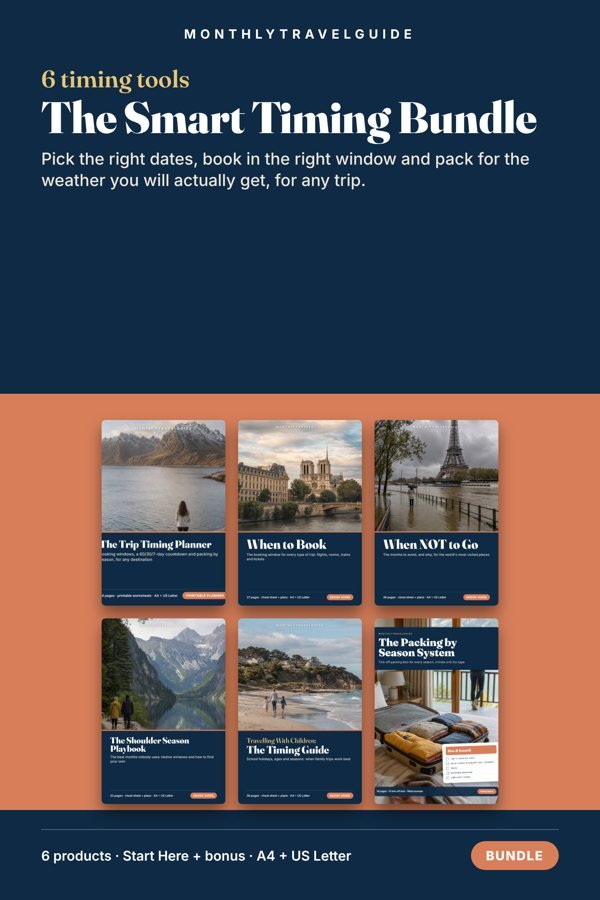
The Smart Timing Bundle
Pick the month, book in the right order, pack once
Six printable timing tools for any trip: the Trip Timing Planner, When to Book, When NOT to Go, the Shoulder Season Playbook, the family timing guide and the Packing by Season System.
See the bundle · $37Six products, $100 separately · Digital download · All sales final
Weather Apps for Winter Travel: Forecasts You Can Plan Around
Winter plans live and die by the forecast, and a single weather app gives you a single opinion. The fix is to use a detailed forecast map for planning and an official source for warnings.

Windy: compare the models before a big day
Windy’s map shows forecasts from the ECMWF and GFS models (among others), with more than 50 weather layers, weather radar and satellite. It also lists airport weather reports (METAR and TAF) and wind and wave forecasts. Before a mountain day, a ferry crossing or a long drive, compare the models: when they agree, plan with confidence; when they don’t, keep the day flexible.
The official weather service: the source for warnings
For warnings and road closures, go to the destination’s own national weather and road services. In Iceland, for example, our Iceland in January guide explains how to read the Met Office forecast at vedur.is alongside the road map at umferdin.is every morning.

Offline Maps and Translation: Apps That Work With No Signal
Signal disappears in winter in all the places you most want to go: valleys, ski areas, rural roads. Two free apps cover most of it, as long as you download what you need first.
Google Maps offline maps
According to Google’s own help page, you download an area while you’re online and signed in (search for a place, then choose Download offline map, or pick your own area from the Offline maps menu). Offline, Google Maps can guide you by car as long as the whole route sits inside the downloaded map, but you won’t get live traffic or alternate routes. Transit, walking and cycling directions don’t work offline. Offline maps also expire, though the app can update them automatically on Wi-Fi when they’re within 15 days of expiring.

Google Translate offline
In Google Translate, you can download a language on Wi-Fi so it works without a connection; downloaded languages are marked in the app. Once a language is downloaded, you may also be able to translate signs or menus by pointing your camera at them (support varies by language). Not every language can be downloaded, so check yours before you go.
Money and Booking Apps: Price Alerts and Live Exchange Rates
Winter peaks are short and sharp: school holidays, New Year and ski weeks. Two apps help you avoid paying the peak price for anything you can still change.
Skyscanner price alerts
In the Skyscanner app, saving a flight (tap the heart) automatically creates a price alert, and Skyscanner emails you when the fare changes. You can switch alerts on or off from your account. Set alerts on two or three date options and let them run for a couple of weeks before you commit.
Xe: live rates and rate alerts
The Xe app converts currencies at live exchange rates, lets you set rate alerts for when your target rate is reached, and offers international money transfers. On the road, its simplest use is the best one: check what a price really costs before you tap your card.
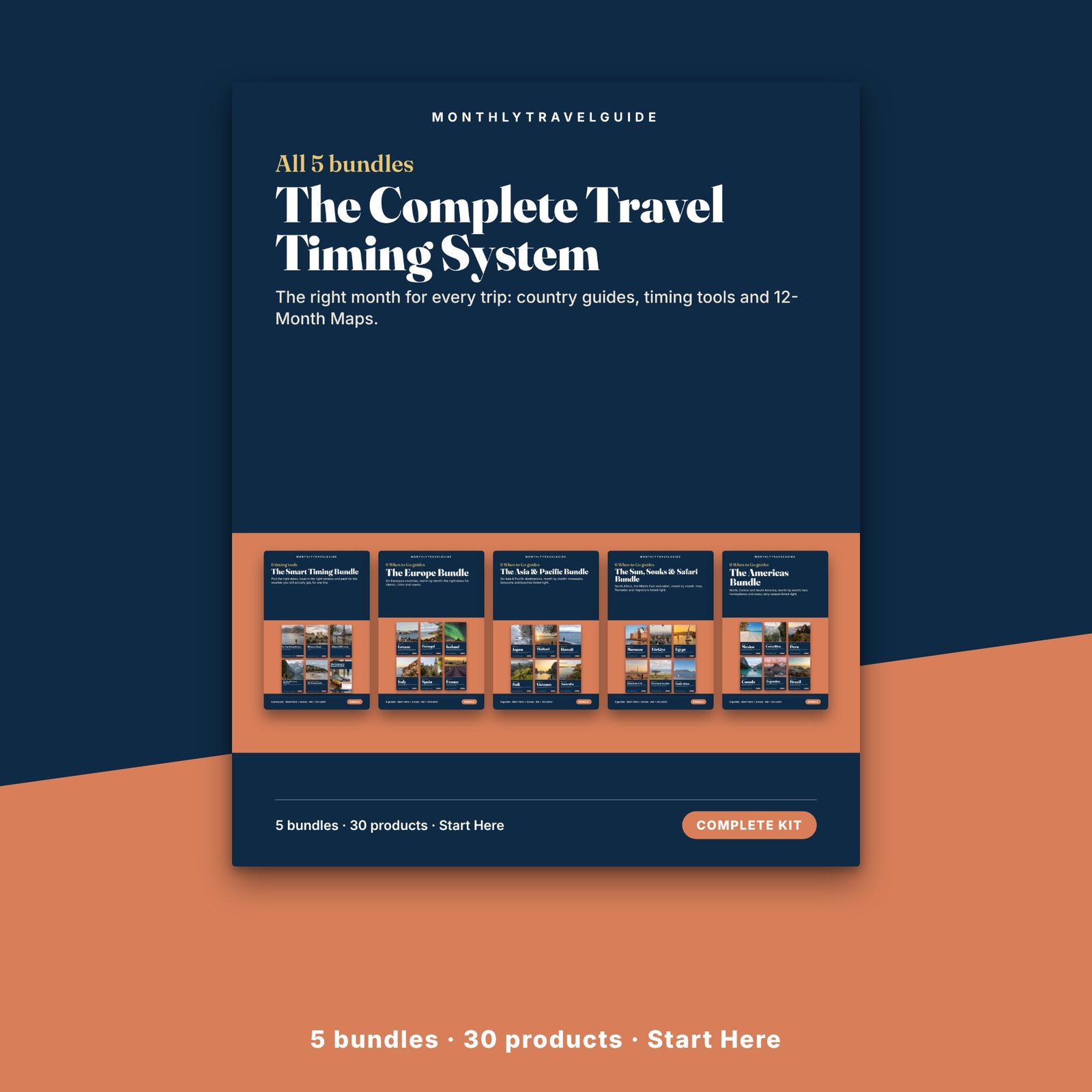
The complete kit
Every country guide, every timing tool
All 24 When to Go country guides, the six Smart Timing tools and every 12-Month Map, with a Start Here that tells you what to open first.
See the kit · $127The five bundles cost $225 separately · Digital download · All sales final

The Trip Timing Planner
Apps tell you what’s happening today; this planner helps you decide the dates in the first place. Set your trip window, map out when to book each piece and count down to departure, so the alerts on your phone are working for a plan, not instead of one.
See The Trip Timing Planner · $17 →Digital download · All sales final
Not sure what to book first? Our guide on what to book first when planning a trip sets out the order.
Set up every app at home, on Wi-Fi, with full battery. The middle of a snowstorm is the worst place to download a map.
The 10-Minute Setup Before a Winter Trip
Download offline maps
Every region you’ll drive or walk in, plus the airport area. Turn on auto-update for offline maps.
Download your translation language
Then test it in aeroplane mode so you know it works.
Forward all bookings to TripIt
Flights, hotels, car hire, tours: one itinerary, one place to look when plans change.
Install and log in to your airline’s app
Add the booking and turn on notifications so you hear about changes first.
Save destinations in Windy
Add each base and any mountain pass, ferry port or ski area you’ll use.
Add currencies in Xe
Home currency plus every currency on the route.
Prepare the phone for the cold
Pack a power bank and a short cable, and plan to keep the phone in an inside pocket.
Then pack the rest of the trip with our winter packing list or the free Packing by Season Generator.
Cold-Weather Phone Rules (the Part Most App Lists Skip)
The best app is useless on a phone that’s switched itself off. Apple’s support page says iPhones are designed for ambient temperatures between 0 °C and 35 °C. In very cold conditions outside that range, battery life can temporarily shorten and the phone may turn off; it returns to normal once it warms up. Cold can also stop the phone charging.
- Carry it close to your body: an inside jacket pocket, not a backpack side pocket.
- Warm before charging: let a cold phone warm up indoors before you plug it in.
- Carry a power bank: and keep the power bank warm too.
- Screenshot the essentials: booking references, hotel address, route maps. Screenshots open even when apps won’t load.
- Share your plans: for remote winter trips, tell someone your route and return time. Our guide to location sharing and travel safety covers the options.
5 Mistakes People Make With Travel Apps in Winter
1. Trusting offline maps for walking or bus routes
Google Maps’ offline mode covers driving routes only. If you’ll be on foot or on public transport in a dead zone, screenshot the route while you have signal.
2. Letting offline maps expire mid-trip
Downloaded maps expire. Turn on auto-update and connect to Wi-Fi at your hotel so they refresh in the background.
3. Reading one weather app as the truth
One app shows one forecast. Compare models in Windy and check the official national service for warnings before a drive or mountain day.
4. Relying on a tracker instead of the airline
Flight trackers are fast, but your airline decides what happens to your booking. Have the airline app installed and logged in before you need it.
5. Paying for every premium tier
Most of what a winter trip needs is free. If you pay for one thing, make it flight alerts for the trip you’re on, and cancel when you’re home.
Best Travel Apps for Winter Travel: Your Questions Answered
The best travel apps for winter travel are the ones you set up before you need them: offline maps and languages downloaded, bookings in one itinerary, flight alerts on and a phone kept warm. Do the ten-minute setup at home and January’s surprises become small detours instead of lost days. For more planning help, browse our travel apps guides, our essential travel apps for any trip, the best winter destinations in January and the month-by-month travel planner.
Free download
Which month for your country?
Get the free 12-Month Map: every month marked good, shoulder or avoid, region by region, on four printable pages.
- Greece to Japan, Morocco to Peru: 24 countries
- See the crowd and price peaks before you book
- Free, no purchase needed
Your download page opens as soon as you sign up. 24 countries available.
Compare the whole month
Where to go in January
Every destination rated for January on one page: weather, crowds and price level, with the places to skip.